

Forte AMM Website
After your pool is deployed you can locate it on the pools page in the Forte Swap UI.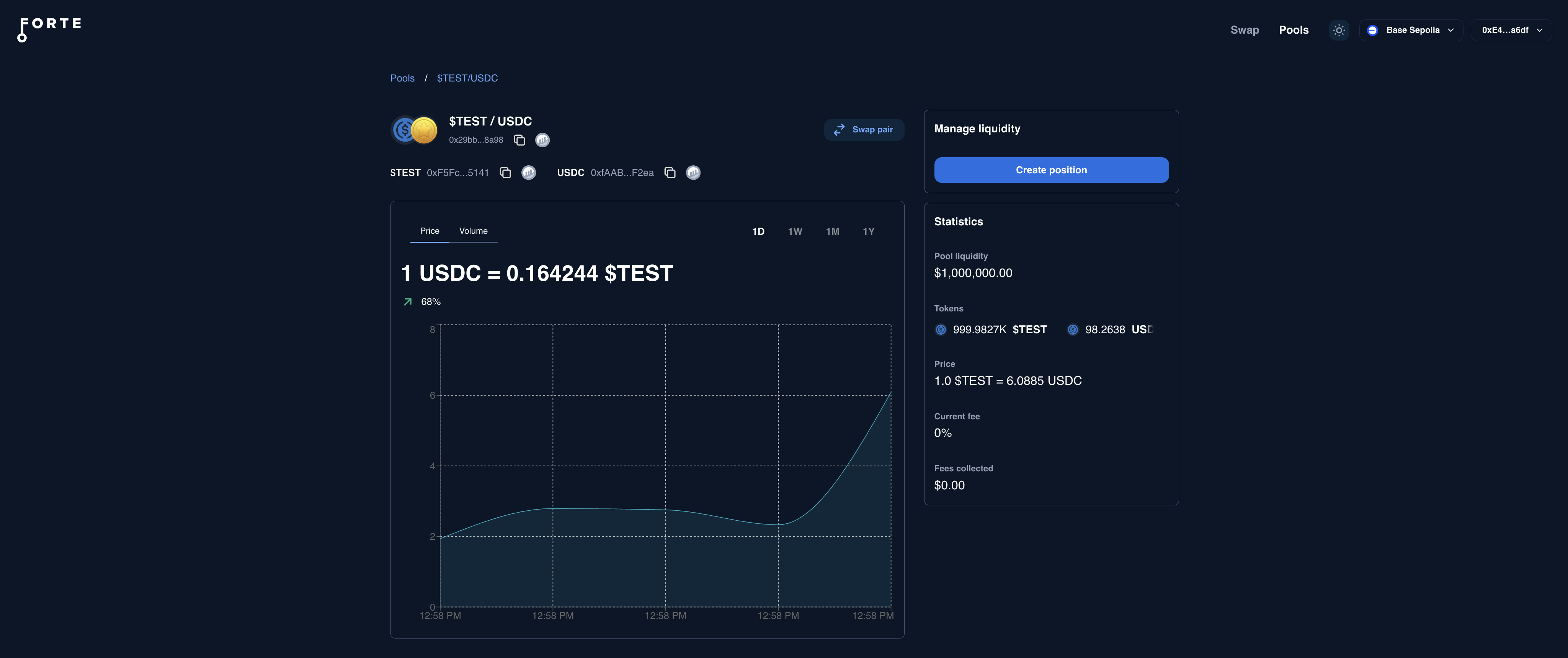
Screenshot of a demo $TEST/USDC pair
Making a swap via cast command
Now let’s walk through constructing a cast command to swap directly against the pool onchain without any UI. This will help build up the understanding to build a custom UI so that users can trade against the token pool in your own application or website. The swap function that needs to be called has the following signature:| Parameter | Type | Description |
|---|---|---|
_tokenIn | address | The address of the token you’re swapping into the pool. This can be either side of the token pair. |
_amountIn | uint256 | The amount of _tokenIn to exchange. |
_minOut | uint256 | Minimum amount of output token to accept. This is slippage protection, see below for more details. |
_recipient | address | Address that will receive the output tokens |
_expires | uint256 | Block timestamp expiration. |
Determine the _minOut argument
The _minOut parameter in the swap() function protects your transactions from unfavorable price movements by setting a minimum acceptable output amount. If the actual output falls below this threshold, the transaction will revert, preventing execution at a worse price than you’re willing to accept.
Depending on your use case, you’ll calculate _minOut differently:
Scenario 1: Specify how much you want to receive
Use case: You want to receive a specific amount of tokens (e.g., “I want exactly 100$TEST”).
Steps:
- Call
simSwapReversed(_tokenOut, _amountOut)where_amountOutis your desired output amount - This returns the
amountInyou need to pay - Calculate
_minOut = _amountOut × slippageTolerance
Scenario 2: Specify how much you want to spend
Use case: You have a fixed amount to spend (e.g., “I want to spend 100 USDC”). Steps:- Call
simSwap(_tokenIn, _amountIn)where_amountInis what you’re paying - This returns the expected
amountOutyou’ll receive - Calculate
_minOut = amountOut × slippageTolerance
Integrating a swap UI into your own Application
This is a more involved integration process, but enables you to keep users within your own app ecosystem. You can see an example of this in our Martian Mining demo site.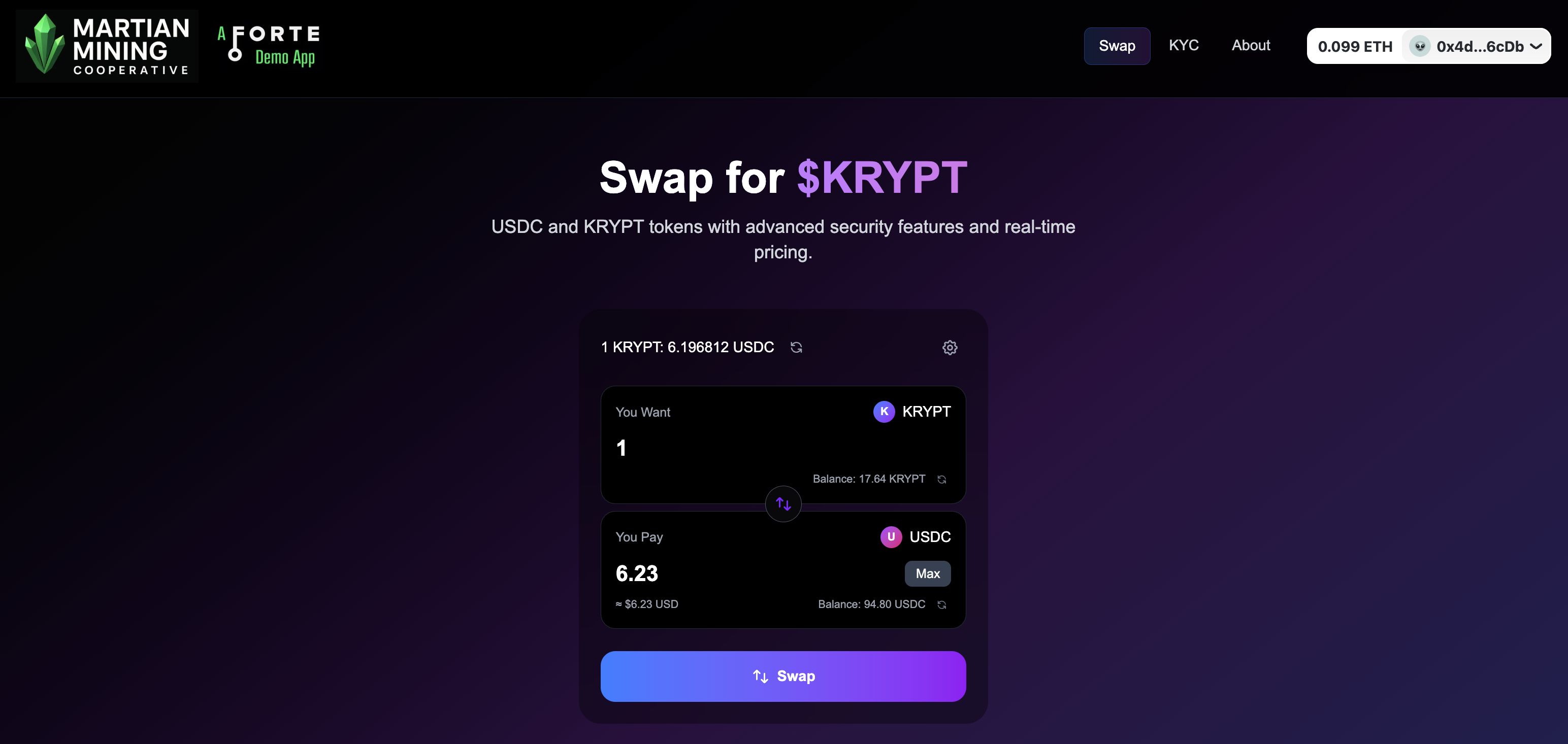
Screenshot of our Martian Mining demo swap UI