Making a swap via cast command
The swap function that needs to be called has the following signature:| Parameter | Type | Description |
|---|---|---|
_tokenIn | address | The address of the token you’re swapping into the pool. This can be either side of the token pair. |
_amountIn | uint256 | The amount of _tokenIn to exchange. |
_minOut | uint256 | Minimum amount of output token to accept. This is slippage protection, see below for more details. |
_recipient | address | Address that will receive the output tokens |
_expires | uint256 | Block timestamp expiration. |
Determine the _minOut argument
The _minOut parameter in the swap() function protects your transactions from unfavorable price movements by setting a minimum acceptable output amount. If the actual output falls below this threshold, the transaction will revert, preventing execution at a worse price than you’re willing to accept.
Depending on your use case, you’ll calculate _minOut differently:
Scenario 1: Specify how much you want to receive
Use case: You want to receive a specific amount of tokens (e.g., “I want exactly 100$TEST”).
Steps:
- Call
simSwapReversed(_tokenOut, _amountOut)where_amountOutis your desired output amount - This returns the
amountInyou need to pay - Calculate
_minOut = _amountOut × slippageTolerance
Scenario 2: Specify how much you want to spend
Use case: You have a fixed amount to spend (e.g., “I want to spend 100 USDC”). Steps:- Call
simSwap(_tokenIn, _amountIn)where_amountInis what you’re paying - This returns the expected
amountOutyou’ll receive - Calculate
_minOut = amountOut × slippageTolerance
Send the transaction with cast
First, you’ll probably want to save some values to your environment for use in the command..env
Integrating a swap UI into your App
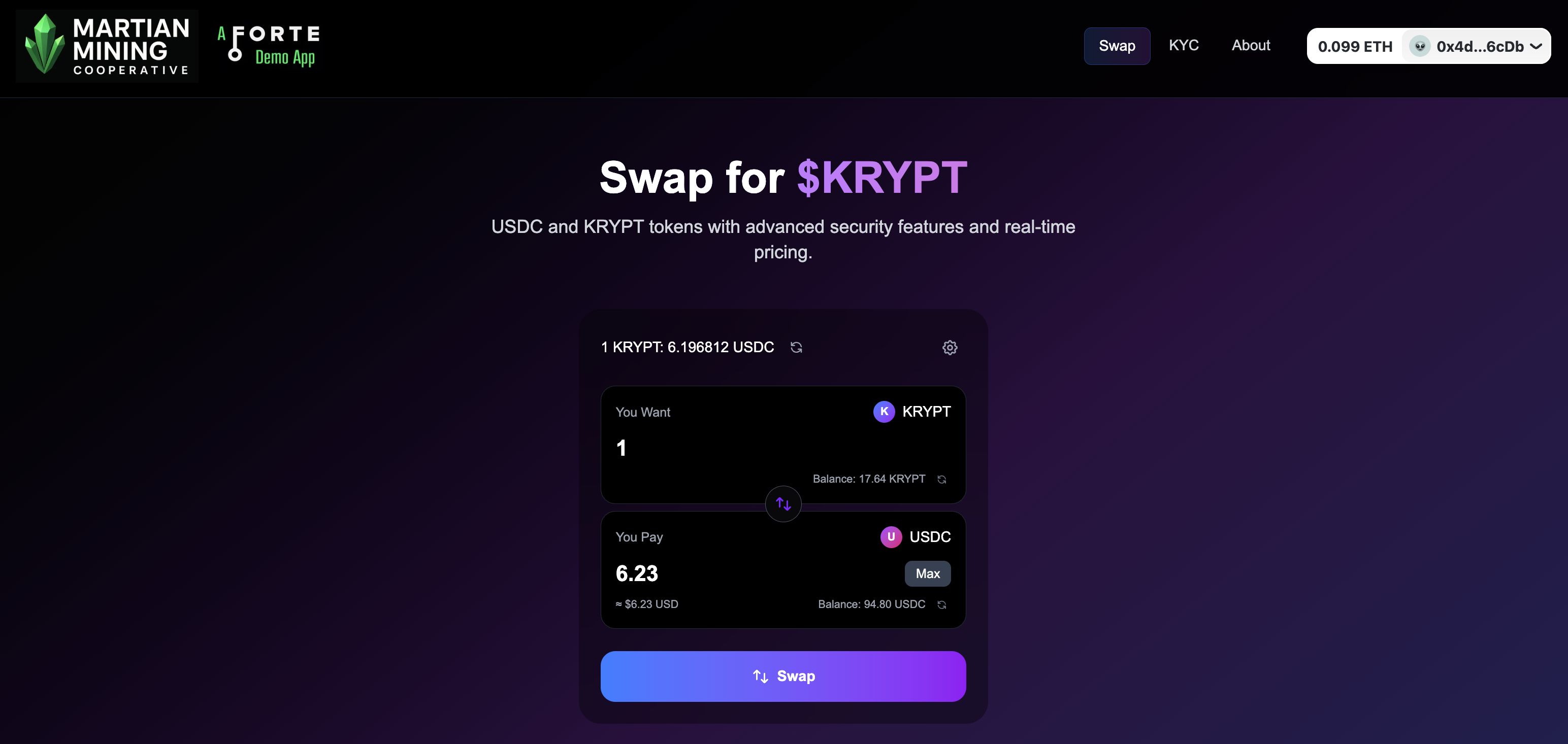
This is a more involved integration process, but enables you to keep users within your own app ecosystem. You can see an example of this in our Martian Mining demo site.